Smart Thermostat Problems That Look Like HVAC Failures
Smart Thermostat Problems That Look Like HVAC Failures
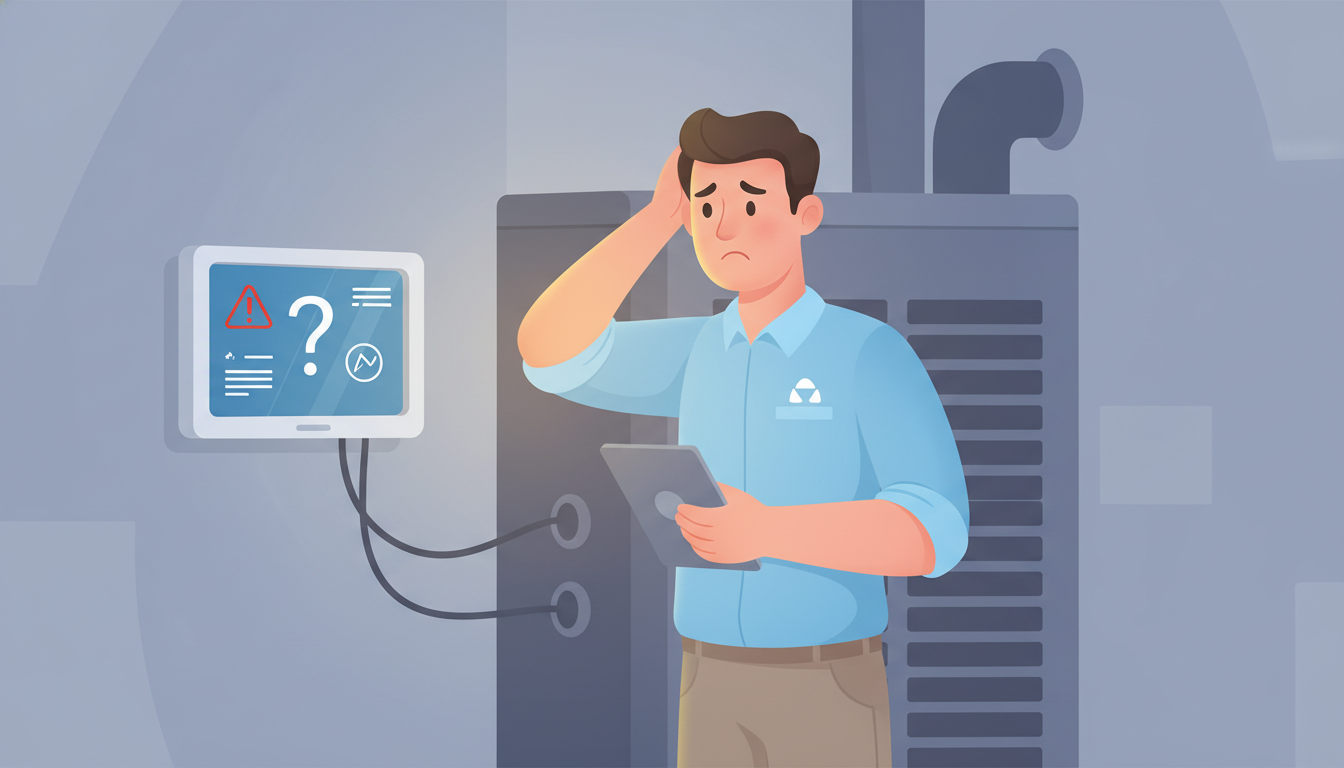
Your heating won't turn on, the AC is running constantly, or your home feels like a sauna despite cranking down the temperature. Before you panic and call for an expensive HVAC repair, take a breath. That "broken" HVAC system might actually be a simple smart thermostat problem.
Smart thermostats can create symptoms that look exactly like major HVAC failures, costing homeowners hundreds in unnecessary service calls. The good news? Most of these issues take minutes to fix once you know what to look for.
Why Smart Thermostats Mimic HVAC System Failures
Your smart thermostat is the brain controlling your entire heating and cooling system. When it malfunctions or gets confused, your perfectly functioning HVAC equipment can't do its job. The result? Symptoms that feel like expensive equipment failures but are actually simple thermostat issues.
Understanding the difference between a thermostat problem and actual HVAC failure can save you $200-500 on a service call. Even better, many smart thermostat problems are DIY fixes that take less than 15 minutes.
The C-Wire Problem: Why Your "Broken" HVAC Won't Turn On
The most common smart thermostat problem that looks like HVAC failure is the missing or faulty C-wire (common wire). Traditional thermostats run on batteries or steal power from your HVAC system. Smart thermostats need constant power to maintain Wi-Fi connections, run touchscreens, and process data.
Symptoms that point to C-wire issues:
- HVAC system won't turn on at all
- Thermostat screen goes blank or dims
- System works sometimes but fails randomly
- Smart features stop working but basic heating/cooling still functions
Many installers try to work around missing C-wires by using "power-stealing" methods or adapter kits. These workarounds fail over time, especially with high-efficiency HVAC systems that use less power. Your HVAC system might be perfect—your thermostat just can't communicate properly without adequate power.
The fix: Check if you have a C-wire connected to your thermostat's C terminal. If not, you'll need to either run a new wire from your furnace or install a C-wire adapter kit. This is often a $150-200 professional installation, far cheaper than replacing HVAC components.
If you're experiencing power-related thermostat issues, understanding whether it's your thermostat or HVAC system causing problems can help you diagnose the root cause.
Smart Thermostat Compatibility Issues With Older Systems
Not all smart thermostats work with all HVAC systems. When you force an incompatible thermostat onto an older furnace or heat pump, you get bizarre failures that look like equipment malfunctions.
Common compatibility problems:
- Multi-stage systems: Your furnace might have multiple heating stages, but your thermostat only recognizes one. Result? The system runs constantly but never reaches temperature because it's stuck on low heat.
- Heat pump configurations: Smart thermostats need to know whether you have auxiliary heat, emergency heat, or a dual-fuel setup. Get these settings wrong, and your heat pump "won't work" in cold weather.
- Millivolt systems: Older gas fireplaces and some furnaces use millivolt ignition systems that smart thermostats can't control without special adapters.
- Line voltage systems: Electric baseboard heat runs on 120V or 240V power. Most smart thermostats are designed for 24V HVAC systems and will fail instantly on line voltage.
The fix: Check your smart thermostat's compatibility tool before installation. If you already installed an incompatible model, you'll need either a different thermostat or an interface module that translates between your thermostat and HVAC system.
Temperature Sensor Problems: When Your HVAC Can't Win
Your smart thermostat's temperature sensor determines when heating and cooling turn on. When that sensor gives bad readings, your HVAC system cycles incorrectly, creating symptoms that feel like equipment failure.
Thermostat placement issues that cause false HVAC failures:
- Near heat sources: A thermostat mounted above a lamp, TV, or in direct sunlight thinks your home is warmer than it really is. Your furnace won't turn on because the thermostat believes you don't need heat.
- In dead air zones: Thermostats installed in corners, behind doors, or in hallways without airflow measure stagnant air, not your actual home temperature.
- On exterior walls: These locations pick up outdoor temperature transfer through the wall, skewing readings by 3-5 degrees.
- Near supply vents: Mounting a thermostat near a heating or cooling vent creates wild temperature swings as conditioned air blasts directly onto the sensor.
Sensor calibration drift: Over time, temperature sensors can drift out of calibration by 2-4 degrees. This makes your system run too long or not long enough, wasting energy and creating discomfort.
The fix: Compare your thermostat's reading with a separate thermometer placed nearby. If they differ by more than 2 degrees, your sensor needs calibration or your thermostat needs relocation. Most smart thermostats have a temperature offset setting in their configuration menu.
For persistent thermostat not working issues, sensor problems are often the hidden culprit.
Short Cycling: The Problem That Looks Like Expensive Equipment Failure
Short cycling—when your HVAC system turns on and off rapidly every few minutes—is one of the most alarming symptoms homeowners experience. It sounds and feels like major equipment failure, but it's often caused by incorrect thermostat settings.
Smart thermostat causes of short cycling:
- Oversensitive temperature differentials: Many smart thermostats let you adjust the "swing" or temperature differential—the difference between when the system turns on and off. Set this too tight (0.5 degrees), and your system short cycles trying to maintain impossible precision.
- Aggressive learning algorithms: Nest and Ecobee thermostats "learn" your schedule and try to pre-heat or pre-cool your home. Sometimes these algorithms get overly aggressive, starting and stopping the system repeatedly.
- Cycle rate settings: Professional thermostats have cycle rate settings (cycles per hour). If set incorrectly for your equipment type, you'll get rapid cycling that mimics a failing furnace or AC compressor.
- Competing heat sources: Your thermostat detects heat from cooking, sunshine, or even a group of people in the room. It shuts off the furnace, then restarts it minutes later when that temporary heat dissipates.
The fix: Access your thermostat's advanced settings and increase the temperature differential to 1-2 degrees. Disable or adjust learning features if your system started short cycling after the thermostat "learned" your schedule. For persistent issues, check the cycle rate setting—furnaces typically need 3 cycles per hour, while heat pumps need 6.
Wi-Fi and Connectivity Issues Causing "System Failures"
Smart thermostats depend on Wi-Fi and cloud services to function properly. When connectivity drops, essential features fail in ways that look like HVAC equipment problems.
How connectivity issues mimic HVAC failures:
- Lost schedules: Your programmed heating schedule lives in the cloud. Lose Wi-Fi, and your thermostat might revert to default settings or stop following your schedule entirely. Result? No heat when you expect it.
- Geofencing failures: Many smart thermostats use your phone's location to switch between home and away modes. When geofencing breaks, your system stays in away mode even when you're home, leaving you freezing or sweltering.
- Remote sensor disconnections: Ecobee and similar thermostats use wireless room sensors for better temperature control. When these sensors lose connection, the thermostat makes decisions based on incomplete data, creating hot and cold spots that feel like broken ductwork.
- Failed firmware updates: Smart thermostats update automatically. Sometimes these updates introduce bugs that break basic functionality. Your HVAC equipment works fine, but the thermostat's broken software won't control it properly.
The fix: Check your thermostat's Wi-Fi connection status. Restart your router and thermostat together to re-establish connection. If geofencing isn't working, check your phone's location services permissions. For sensor connectivity issues, replace batteries in remote sensors and move them closer to the main thermostat unit.
Smart Features Gone Wrong: When Algorithms Cause Problems
The artificial intelligence and learning features that make smart thermostats attractive can also create confusing HVAC symptoms.
Learning algorithm failures:
- Temperature setback problems: Your Nest "learns" that you like 68°F and starts pre-heating your home. But it miscalculates how long your furnace needs, so you wake up to a cold house. Feels like a weak furnace, but it's just bad math.
- Eco mode traps: Thermostats in eco mode try to save energy by using wider temperature ranges. You might program 70°F but eco mode allows it to drift to 66°F before calling for heat. Your furnace works perfectly—it's just not being told to run.
- Schedule conflicts: You set a schedule, then use the thermostat manually. Some models treat manual adjustments as permanent overrides, ignoring your schedule indefinitely. Your system isn't broken—the thermostat just forgot your preferences.
The fix: Access your thermostat app and review what schedules and automation rules are actually active. Disable learning features if they're causing problems. Create a fresh schedule from scratch if multiple manual adjustments have confused the system. Many problems resolve immediately once you establish clear, simple temperature schedules.
Wiring Issues That Stop Communication
Smart thermostats need proper wiring to communicate with your HVAC equipment. Wiring problems create symptoms identical to equipment failures.
Common wiring issues:
- Loose wire connections: Vibration from the HVAC blower slowly works terminal screws loose. Your thermostat can't send reliable signals, causing intermittent failures that seem like dying equipment.
- Corroded terminals: Condensation and oxidation create resistance at wire connections. Your thermostat sends commands, but they don't make it through the corroded connection.
- Reversed wiring: Swapping wires during installation makes your system behave unpredictably. Your AC might turn on when you call for heat, or nothing works at all.
- Insufficient wire gauge: Older thermostats used thin wires that handled milliamps. Smart thermostats need slightly more current. Undersized wires create voltage drops that make communication unreliable.
The fix: Turn off power at your furnace breaker. Remove your thermostat from the wall and inspect wire connections at both the thermostat and furnace ends. Tighten all terminal screws, clean any corrosion with fine sandpaper, and verify wires match your installation guide. If you're not comfortable working with electrical connections, this is a good time to consult our HVAC repair guide or call a professional.
Battery Power Problems Creating System Outages
Even hardwired smart thermostats often have backup batteries. When these batteries fail, you get symptoms that look exactly like HVAC equipment failure.
Battery-related false failures:
- System won't turn on: A dead backup battery can prevent your thermostat from maintaining settings or communicating with your HVAC system, even if it has hardwired power.
- Lost settings: Low batteries cause thermostats to lose schedules, Wi-Fi passwords, and configuration settings, reverting to factory defaults that don't match your system.
- Intermittent operation: Batteries in their last days provide just enough power for the thermostat to work sometimes, creating maddeningly inconsistent HVAC performance.
The fix: Replace batteries in your thermostat at least once per year, even if it's hardwired. Many models use AA or AAA batteries that cost a few dollars. Set a reminder to change them when you change smoke detector batteries.
How to Tell: Thermostat vs. Real HVAC Failure
Before calling an HVAC technician, use this quick diagnostic process:
-
Check the basics: Is your thermostat screen on? Are batteries fresh? Is the circuit breaker for your HVAC system on?
-
Test manual mode: Override all schedules and smart features. Set your thermostat to manual heat or cool at a clear temperature (5-10 degrees different from current). Does the system respond?
-
Listen at the furnace: When you call for heat or cooling, go to your furnace. Do you hear clicking relays or see indicator lights changing? If yes, your thermostat is communicating—the problem is likely in the HVAC equipment.
-
Use the equipment directly: Many furnaces have a switch or jumper wire that bypasses the thermostat. If your system works when bypassed but not through the thermostat, you've confirmed a thermostat problem, not equipment failure.
-
Check error codes: Smart thermostats display error codes when they detect problems. Look these up in your manual—they often tell you exactly what's wrong.
When You Actually Need an HVAC Professional
Some symptoms always indicate real equipment problems, not thermostat issues:
- Strange noises from the furnace or AC unit (grinding, squealing, banging)
- Burning smells from vents or equipment
- Ice buildup on AC coils or refrigerant lines
- Furnace repeatedly shutting off on safety limits
- No air flow when the blower runs
- Water leaking around the furnace or AC unit
If you've verified your thermostat settings are correct, checked wiring connections, and confirmed the thermostat has power, but your system still doesn't work, it's time for professional diagnosis.
FAQ
How can I tell if my smart thermostat is compatible with my HVAC system?
Check your thermostat manufacturer's compatibility checker tool online. You'll need to know your system type (furnace, heat pump, or boiler), number of stages, and whether you have cooling. Most manufacturers provide detailed compatibility guides. If you're unsure, take a photo of your current thermostat wiring and consult with an HVAC professional before purchasing.
Why does my smart thermostat say my system is working but no air is coming out?
This usually means the thermostat is sending commands, but equipment isn't responding. Check your furnace breaker and safety switches (often located on the furnace cabinet door). Verify your air filter isn't completely clogged, as blocked filters trigger safety shutoffs. If these are fine, you likely have a failed blower motor or control board—equipment issues rather than thermostat problems.
Can a smart thermostat drain my HVAC system's battery backup?
Yes, if your system uses a battery-powered ignition without a C-wire. Smart thermostats draw continuous power, which can quickly drain batteries designed for intermittent use. This is especially common with millivolt fireplace systems and some older furnaces. You'll need to add proper 24V power or switch to a compatible thermostat.
My smart thermostat worked fine for months, then suddenly stopped. Why?
Sudden failures after working properly usually indicate firmware updates, Wi-Fi changes, or battery issues. Check if your thermostat updated recently—some updates introduce bugs. Verify your Wi-Fi password hasn't changed. Replace backup batteries even in hardwired models. Sometimes accumulated dust or pet hair on sensors causes failures after months of operation.
Should I replace my smart thermostat if it's causing HVAC problems?
Not necessarily. Many smart thermostat problems stem from incorrect installation, incompatible settings, or poor placement. Try factory resetting your thermostat and reinstalling from scratch with proper configuration. Check compatibility guides to ensure your model works with your equipment. If problems persist after proper installation, consider a different model designed for your specific system type.
Save Money by Checking Your Thermostat First
HVAC service calls typically cost $150-300 just for diagnosis, before any repairs. Simple thermostat issues—wrong settings, dead batteries, loose wires, or poor placement—account for 30-40% of these calls.
By understanding smart thermostat problems that look like HVAC failures, you can troubleshoot effectively before spending money on unnecessary repairs. Many issues resolve in minutes once you know what to check.
Start with the simple stuff: verify power, check settings, tighten connections, and test in manual mode. These basic steps solve more "broken" HVAC systems than most homeowners realize.
When in doubt, your smart thermostat's manual and support resources often provide model-specific troubleshooting guides. Take advantage of these free resources before calling for paid service.
Your HVAC system is probably fine. Your smart thermostat just needs a little attention.